How to Set Up Your Samsung Galaxy S26 Ultra for Mobile Gaming in South Africa
Quick answer
Want the best gaming phone setup South Africa has to offer? Here’s how to tune the Samsung Galaxy S26 Ultra for smoother gameplay, better battery life, and lower lag. We cover display, cooling, network, and power settings for local networks.
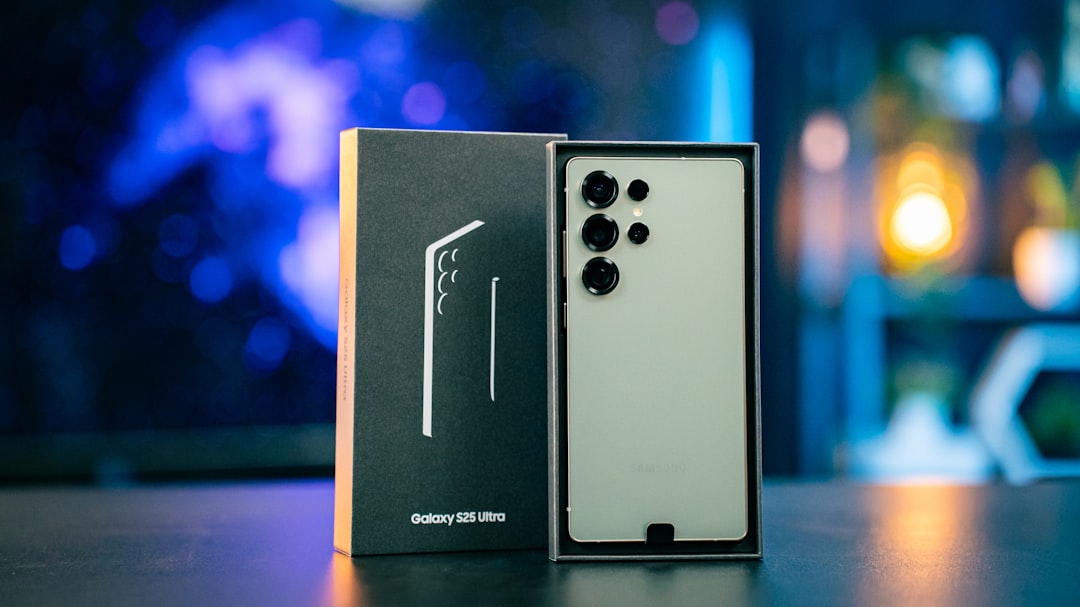
How to Set Up a Samsung Galaxy S26 Ultra for Mobile Gaming in South Africa
The Samsung Galaxy S26 Ultra is one of the best phones you can buy for gaming in 2026, and it has the hardware to back it up. With the Snapdragon 8 Elite Gen 5, a large high-refresh-rate display, and strong battery performance, it can handle demanding games like Call of Duty: Mobile, Genshin Impact, Fortnite, and Diablo Immortal with ease. But to get the most out of it, you need to set it up properly for South African conditions, from mobile data performance to heat management during long sessions.
Whether you play on Vodacom, MTN, Telkom, Cell C, or Rain, the right settings can make a noticeable difference. Below is a practical guide to the Samsung Galaxy S26 Ultra gaming settings that matter most.
1. Start with the display settings
The S26 Ultra’s display is one of its biggest strengths, but gaming can drain battery quickly if you leave every visual option maxed out. For the best balance between smoothness and battery life, open Settings > Display and check the following:
- Motion smoothness: Set to Adaptive for the best gaming experience. This lets the screen run at a higher refresh rate when needed, making scrolling and gameplay feel fluid.
- Screen resolution: If you want the best possible visuals, keep it at the highest resolution. If you are gaming for long periods, consider lowering it slightly to improve battery life and reduce heat.
- Brightness: Use Auto brightness, but cap it manually when indoors. High brightness looks great, but it also increases power use and can make the phone warmer.
If you play in bright South African daylight, especially outdoors or near windows, the S26 Ultra’s display will remain readable. Still, for competitive gaming, it is better to play indoors or in the shade where the screen can stay visible without maxing out brightness.
2. Use Game Booster and performance modes
Samsung’s Game Booster is essential for anyone serious about mobile gaming. It helps optimise performance, manage notifications, and reduce interruptions. To access it, launch a game and open the Game Booster panel.
In Game Booster, look for these options:
- Performance mode: Choose the highest performance option available when you want maximum frame rates.
- Block notifications: Turn this on to stop pop-ups from interrupting you during ranked matches or raids.
- Touch protection: Useful if you play in a way that causes accidental taps around the edges of the screen.
- Priority mode: If available, let games take priority over background tasks.
If you are gaming on the move, this is one of the most important parts of the best gaming phone setup South Africa users should consider. A phone can have top-tier specs, but without Game Booster, background activity and notifications can still ruin a match.
3. Keep the phone cool
Heat is one of the biggest enemies of mobile gaming performance. When the phone gets too warm, it can throttle performance to protect the hardware. That means lower frame rates and less responsive gameplay. South African weather can make this worse, especially in summer or when you are gaming in a car, taxi, or outdoors.
To improve cooling:
- Remove thick cases during long gaming sessions if they trap heat.
- Avoid charging while gaming unless you really need to. Charging adds extra heat.
- Play in a cooler room or near a fan when possible.
- Take short breaks every 30 to 45 minutes to let the device cool down.
If you are a heavy gamer, consider a clip-on phone cooler. These are widely available from South African online retailers and can make a real difference during marathon sessions. For the Samsung Galaxy S26 Ultra gaming settings to stay effective, cooling matters just as much as raw power.
4. Optimise battery settings for longer sessions
The Galaxy S26 Ultra has a large battery, but gaming still consumes power quickly. The goal is to keep gameplay smooth without draining the battery too fast. To fine-tune your Galaxy S26 Ultra battery settings, go to Settings > Battery and adjust the following:
- Power saving mode: Keep this off while gaming if you want full performance. It can limit background activity and reduce frame rates.
- Adaptive battery: Leave this on to help the phone learn your app usage patterns over time.
- Background app limits: Restrict apps you do not need while gaming, such as social media, email, and cloud sync tools.
- Battery protection: If you often leave the phone plugged in overnight, enable protection features to preserve long-term battery health.
For long gaming sessions, it is better to start with a full charge and avoid topping up repeatedly. If you know you will be gaming for hours, charge the phone before you begin. That is especially useful during load-shedding or when you are away from a charger for long periods.
5. Choose the right network settings for South Africa
Online gaming is only as good as your connection. In South Africa, network quality can vary by location, time of day, and whether you are using Wi-Fi or mobile data. For the lowest lag, a stable Wi-Fi connection is usually best. But when you are using mobile data, you should optimise your network settings.
Go to Settings > Connections > Mobile networks and consider these tips:
- Use 5G where available: Vodacom, MTN, Telkom, Cell C, and Rain all have 5G coverage in selected areas, but performance depends on your suburb or city.
- Lock to a stable network: If your phone keeps switching between 4G and 5G, it may cause spikes in latency. In some areas, a strong 4G connection is more stable than weak 5G.
- Test your signal: In weaker coverage areas, move closer to a window or higher floor for better reception.
- Use Wi-Fi calling and data offload wisely: If your home Wi-Fi is strong, use it for downloads and updates so mobile data stays available for gaming.
For South African gamers, this is especially important if you use Rain or a fixed wireless connection at home. It can be excellent in good coverage areas, but if you experience packet loss or jitter, a stable fibre Wi-Fi connection may be better for competitive play. On mobile data, Vodacom and MTN often offer the widest overall coverage, while Telkom and Cell C can be very competitive in specific areas. The best choice is the network that performs best where you live and play.
6. Reduce background activity and notifications
Even the best phone can slow down if too many apps are active in the background. Before gaming, close apps you do not need and disable sync-heavy features temporarily. You can also turn on Do Not Disturb so calls and messages do not interrupt you during matches.
For extra stability, check Settings > Apps and identify apps that are consuming background data or battery. Social media apps, cloud backups, and app stores can quietly use resources while you play. Cutting them back helps the S26 Ultra focus on the game.
7. Use audio and accessory settings to your advantage
Good audio can improve reaction time and immersion. If you use Bluetooth earbuds, make sure they support low-latency audio. Samsung’s own earbuds are a strong choice, but many third-party gaming earbuds also work well. If you prefer wired audio, use a USB-C adapter or compatible headset for the lowest possible delay.
Also consider a proper grip or controller if you play shooters or racing games regularly. The S26 Ultra’s large display is excellent for gaming, but a controller can make long sessions more comfortable and improve accuracy.
8. Final recommended setup
If you want a simple starting point, use this setup for the best gaming phone setup South Africa players can rely on:
- Display: Adaptive refresh rate, balanced brightness, highest resolution only when needed
- Game Booster: Performance mode on, notifications blocked
- Cooling: Remove thick case, avoid charging while playing, use a fan if needed
- Battery: Power saving off, background apps restricted, adaptive battery on
- Network: Strong Wi-Fi or stable 5G/4G from Vodacom, MTN, Telkom, Cell C, or Rain
With the right setup, the Samsung Galaxy S26 Ultra becomes an outstanding gaming machine rather than just a powerful flagship. A few smart changes can improve frame rates, reduce heat, and stretch battery life, which is exactly what South African gamers need when playing on the move or at home. If you are looking for the most capable Samsung Galaxy S26 Ultra gaming settings guide, this is the place to start.