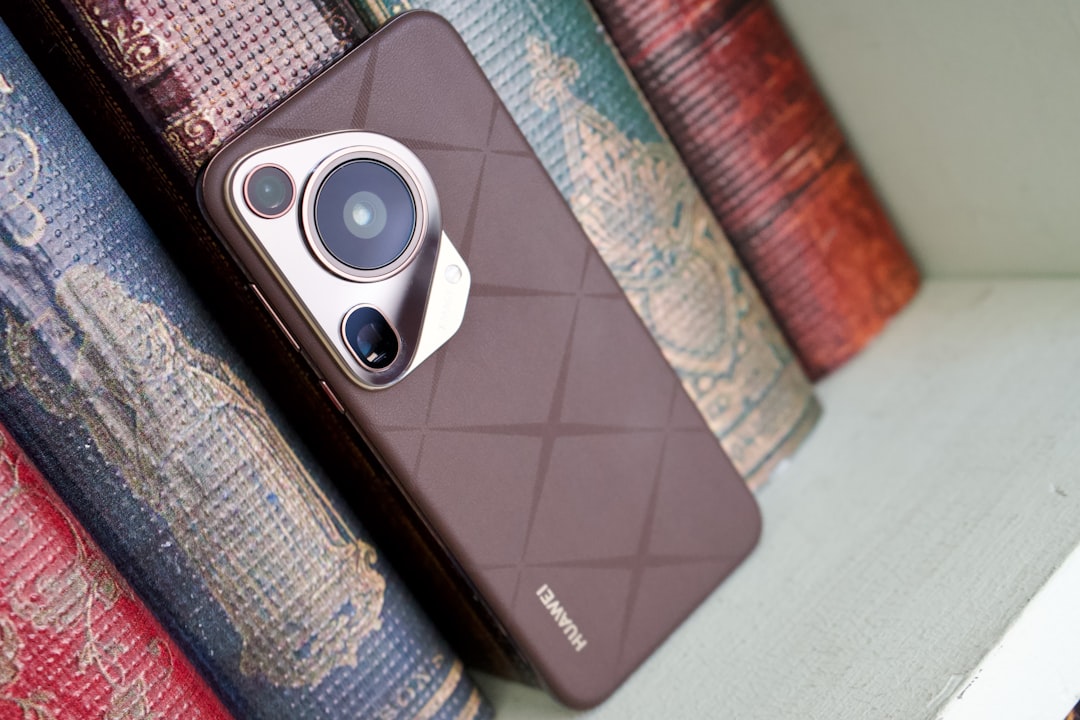
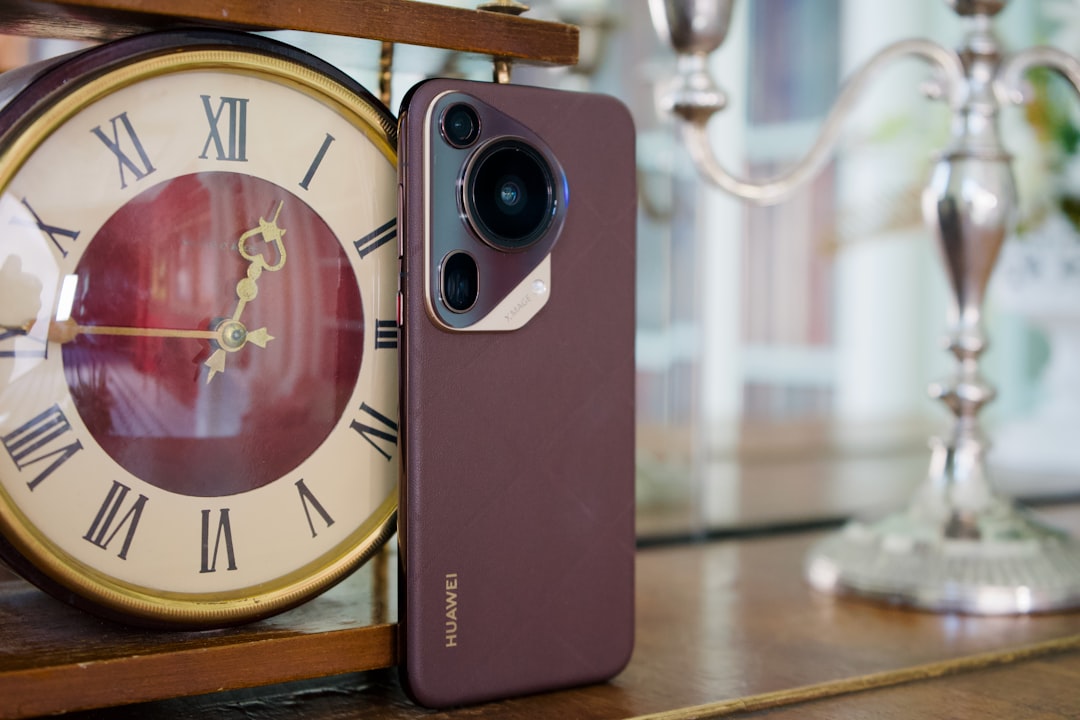
Huawei Pura 80 Pro gaming settings in South Africa: how to boost performance, cut lag and keep work apps smooth
Quick answer
The Huawei Pura 80 Pro is built to handle demanding mobile gaming while still doubling as a productivity phone. Here’s how South African users can tune performance settings to reduce lag, protect battery life and keep WhatsApp, email and work apps running smoothly.
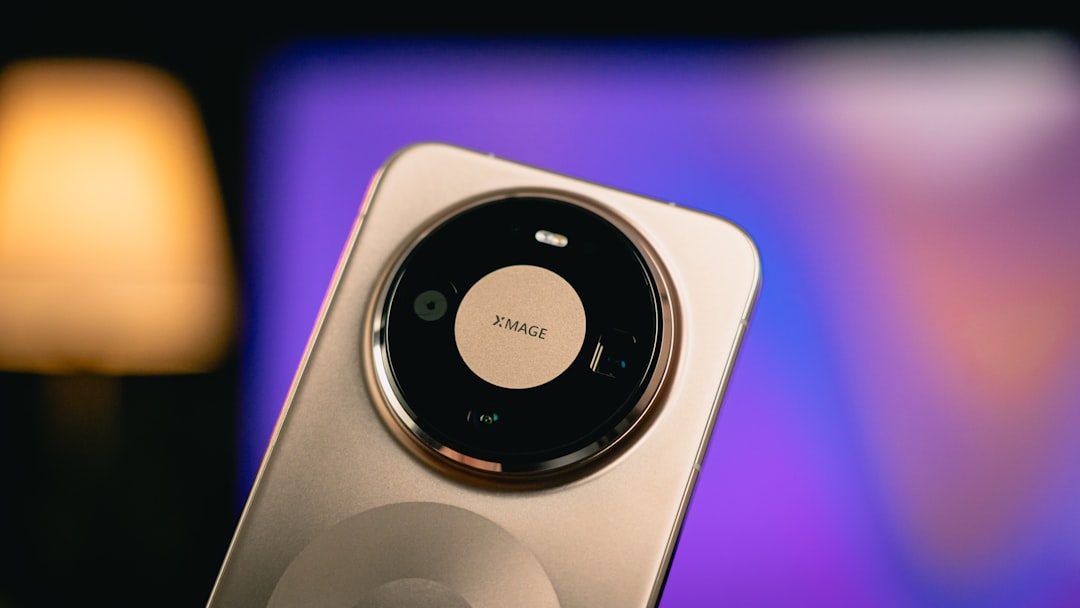
Huawei Pura 80 Pro gaming performance settings in South Africa: how to boost productivity, reduce lag and keep work apps running smoothly
For South African mobile gamers, the Huawei Pura 80 Pro is an interesting flagship choice in 2026. It is powerful enough for demanding titles like Call of Duty: Mobile, Genshin Impact, Diablo Immortal and PUBG Mobile, but it is also a serious productivity phone for WhatsApp, Teams, Gmail, banking apps and cloud storage. The trick is knowing how to balance gaming performance with everyday work use.
That balance matters locally. Many South Africans use one device for everything: gaming on the commute, hotspotting on MTN or Vodacom, managing side hustles, checking invoices on Telkom, or keeping up with client messages on Cell C or Rain. If you set up the Huawei Pura 80 Pro correctly, you can reduce lag in games without sacrificing battery life or causing your work apps to reload every time you switch screens.
Start with the right performance setup
The most important setting to look for is the Huawei Pura 80 Pro performance mode. On many Huawei devices, this sits inside the battery or device settings area. When enabled, it prioritises speed and responsiveness over battery savings. That can help during long gaming sessions, especially if you are playing on 5G or Wi-Fi and want steadier frame delivery.
Use performance mode when you are gaming at home, plugged into a charger, or playing a competitive title where touch response matters. If you are heading out for the day, switch back to a balanced or battery-saving profile so the phone lasts longer for work calls, navigation and messaging.
A practical tip for South African users: if you are on a prepaid data bundle or a smaller monthly contract, performance mode can encourage more background activity. That means more data use if apps are syncing in the background. Keep an eye on that when using mobile data on Vodacom, MTN, Telkom, Cell C or Rain.
Use game-specific settings for smoother play
When tuning Huawei Pura 80 Pro gaming settings, start inside each game before changing system-wide options. Most modern titles let you adjust graphics quality, frame rate, shadows and anti-aliasing. If you want less lag, prioritise frame rate over visual effects.
- Set graphics to medium or high, not ultra if the game starts stuttering.
- Choose the highest stable frame rate available for smoother motion.
- Disable extra effects such as motion blur, heavy shadows and unnecessary post-processing.
- Lower resolution only if the game still feels choppy after reducing effects.
For competitive games, a stable 60fps or higher often feels better than chasing maximum visual quality. That is especially useful on busy South African networks where latency can rise during peak hours. A smoother device won’t fix network congestion, but it can make touch controls feel more responsive.
Keep work apps from being closed in the background
One of the biggest frustrations for working gamers is app reloading. You are in the middle of a match, then switch to WhatsApp, Outlook or your banking app, only to find that the game has been closed and needs to reload. That wastes time and can be annoying if you are juggling work and play.
To prevent this, go into battery and app management settings and allow important apps to run in the background. Pin or lock the apps you need most often, such as:
- WhatsApp for client messages and family chats
- Gmail or Outlook for work email
- Microsoft Teams or Zoom for meetings
- Banking apps for payments and transfers
- Google Drive or Huawei Cloud for documents
If the phone offers app launch or auto-launch controls, make sure your work apps are allowed to start automatically. Also exclude them from aggressive battery optimisation. This helps the Huawei Pura 80 Pro stay productive even when you are gaming between meetings or during a lunch break.
Reduce lag by clearing the little things that add up
Lag is not always caused by the game itself. Sometimes it comes from too many apps, low storage, overheating or a cluttered background process list. The Huawei Pura 80 Pro should handle heavy tasks well, but it still benefits from a clean setup.
- Close unused apps before launching a game.
- Restart the phone regularly if you notice slowdowns.
- Keep at least 15% to 20% storage free for better performance.
- Delete old downloads, videos and duplicate screenshots that fill up space.
- Update games and system software whenever a stable update is available.
South African users who download large game updates on mobile data should try to do so on uncapped home Wi-Fi or during off-peak periods. A stable fibre connection from providers available through local ISPs can make a big difference, especially when patch sizes are large.
Manage heat for better gaming and better battery life
Heat is one of the biggest enemies of mobile gaming performance. When a phone gets too warm, it may reduce speed to protect internal components. That is where smart usage makes a difference.
To keep the Huawei Pura 80 Pro running smoothly, avoid gaming while the phone is charging for long periods, especially in hot weather. South African summers can be brutal, and a phone in a warm car or direct sunlight will throttle faster. If possible, remove a thick case during long gaming sessions to help with cooling.
Also try to play in a cool room and avoid running hotspot, GPS navigation and heavy gaming all at once. If you are using the phone as a hotspot for a laptop or tablet, remember that this adds heat and battery strain. That matters for freelancers and students who use one device for both work and play.
Make notifications work for you, not against you
Gaming and productivity can clash when notifications keep interrupting you. The Huawei Pura 80 Pro can help if you set it up properly. Use Do Not Disturb or a gaming focus mode when you are in a match, but allow priority alerts from key contacts or work apps if needed.
A good approach is to create two simple profiles:
- Gaming profile: mute social apps, allow only emergency calls and selected messages.
- Work profile: keep email, calendar and messaging alerts active, but reduce entertainment notifications.
This is especially useful for South African professionals who move between classes, meetings and gaming sessions throughout the day. It saves time and helps you stay organised without constantly opening apps.
Optimise network settings for online games
Even with the best Huawei Pura 80 Pro gaming settings, online games still depend on network quality. In South Africa, your experience can vary a lot depending on location, signal strength and the network you use. If you are in an area with strong 5G coverage, that can improve responsiveness, but a stable 4G connection is often better than an unstable 5G signal.
For the best results, try these steps:
- Use Wi-Fi when it is stable and uncapped, especially for updates and large downloads.
- Test different network bands or locations in your home if signal is weak.
- Turn off hotspot sharing while gaming unless you really need it.
- Keep background syncing low when using mobile data.
If you game on the move, it is worth testing your device on Vodacom, MTN, Telkom, Cell C and Rain coverage in the places you frequent most. A good gaming setup cannot fix poor signal, but it can reduce the device-side problems that make lag feel worse.
Best everyday setup for South African users
If you want a simple all-round setup for the Huawei Pura 80 Pro in South Africa, use this as a starting point:
- Performance mode on only when gaming or doing heavy tasks
- Balanced mode for normal workdays
- Game graphics set to stable frame rate over max quality
- Work apps locked in the background
- Notifications filtered with focus mode or Do Not Disturb
- Storage kept tidy with regular cleanup
This approach gives you the best of both worlds: a phone that can handle serious gaming after hours and still act like a reliable work device during the day.
Final thoughts
The Huawei Pura 80 Pro is a strong option for South African users who want flagship performance without treating their phone like a dedicated gaming device. With the right Huawei Pura 80 Pro performance mode settings, sensible in-game tweaks and smart background app management, you can cut lag, keep battery life under control and stay productive at the same time.
For mobile gamers in South Africa, the real win is flexibility. Set the phone up once, and it can switch from workhorse to gaming machine in seconds. That is exactly the kind of practical power many local users need in 2026.