Ranked: 7 Best Xiaomi Redmi Note 14 Pro Settings for Power Users Upgrading in South Africa
Quick answer
If you’ve just upgraded to the Xiaomi Redmi Note 14 Pro in South Africa, these seven settings will help you unlock better battery life, smoother performance and smarter camera use. Here’s how to tune your phone for local networks and everyday use.
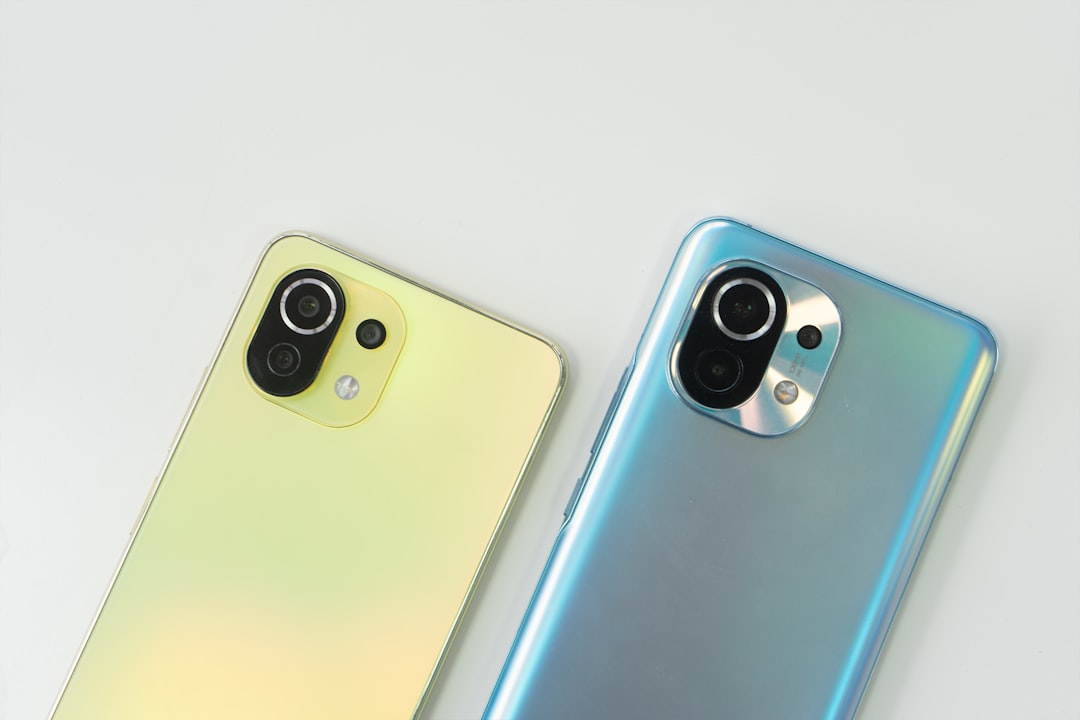
Ranked: 7 Best Xiaomi Redmi Note 14 Pro Settings for Power Users Upgrading in South Africa
The Xiaomi Redmi Note 14 Pro is one of the most appealing mid-range phones for South African buyers who want strong performance without flagship pricing. Whether you bought it outright or picked it up on contract from Vodacom, MTN, Telkom, Cell C or Rain, the right setup can make a big difference to battery life, speed and day-to-day usability.
If you’re searching for the best Xiaomi Redmi Note 14 Pro tips, this guide focuses on practical changes that matter in South Africa. From managing data on local networks to improving camera results in bright sunlight, these Xiaomi Redmi Note 14 Pro settings will help you get more value from your device.
1. Set the display refresh rate to the highest smoothness you can comfortably live with
The first setting power users should check is the display refresh rate. A higher refresh rate makes scrolling, app switching and gaming feel noticeably smoother. On the Xiaomi Redmi Note 14 Pro, this is one of the easiest ways to improve the overall experience.
Go to Settings > Display > Refresh rate and choose the smoothest option available. If you use your phone heavily for social media, email and browsing, this is worth enabling. If battery life matters more than visual smoothness, you can drop it to a lower setting when you’re away from a charger.
South African tip: If you spend long days commuting or dealing with load shedding, consider balancing smoothness with battery savings. A slightly lower refresh rate can stretch your charge when power banks are your backup plan.
2. Turn on battery optimisation and control background apps aggressively
Battery life is a big deal for South African users, especially if you rely on mobile data and don’t always have easy access to charging. Xiaomi’s software can be generous with background activity, so it pays to tighten things up.
Open Settings > Battery and enable battery optimisation for apps you don’t need running all the time. Then check Settings > Apps > App battery saver or the equivalent power management menu to restrict apps that constantly refresh in the background.
Apps like shopping platforms, news apps and some social media services can drain battery and data quietly. Keep WhatsApp, banking apps and navigation tools active if you rely on them, but be stricter with everything else.
South African tip: On networks like Vodacom and MTN, background syncing can eat into your data bundle quickly. Reducing app refresh helps both battery and airtime spend.
3. Adjust mobile data settings for smarter usage on local networks
One of the most useful Xiaomi Redmi Note 14 Pro settings for South African buyers is the mobile data section. With bundle prices still a concern, it’s important to make your phone work efficiently on whichever network you use.
Go to Settings > SIM cards & mobile networks and review your preferred SIM, data usage limits and network type. If you’re on a dual-SIM setup, assign your main data SIM to the network with the best coverage in your area. For many users, that may be Vodacom or MTN in urban areas, while Telkom or Rain can be useful depending on location and package.
Also check whether 5G is enabled if your area supports it. If you live in a place with patchy 5G coverage, forcing the phone to use 5G all the time may drain battery faster without giving you a real benefit. In that case, a smart auto mode or 4G preference can be more practical.
South African tip: If you travel between provinces or switch between home and work coverage zones, test your network settings for a week before settling on a final configuration. The best setup is the one that gives you stable signal and fewer dropped calls.
4. Fine-tune camera settings for daylight, portraits and social media
The Redmi Note 14 Pro is designed to take good photos for its class, but the default camera settings won’t always give you the best results. Power users should spend a few minutes tuning the camera for the kind of photos they actually take.
Open the camera app and check settings for HDR, AI scene detection, and default photo resolution. HDR can help with bright skies and shadows, which is useful in South Africa’s harsh midday light. AI scene detection can improve colours, but if you prefer more natural-looking images, you may want to reduce its influence.
If you post to Instagram, WhatsApp or Facebook, make sure your aspect ratio and image size are set for easy sharing. For portraits, experiment with edge detection and background blur before relying on it for important photos. For video, choose the highest stable resolution your storage and battery can handle.
South African tip: Outdoor light is often strong and contrasty, especially in summer. If you’re photographing people at the beach, at a braai or at a sports match, HDR can make a noticeable difference.
5. Clean up notifications and lock screen clutter
One of the best Xiaomi Redmi Note 14 Pro tips for productivity is to control notifications early. A busy lock screen can make the phone feel noisy and distracting, especially if you install lots of apps after upgrading.
Go to Settings > Notifications & Control centre and switch off alerts for apps that don’t need your attention. You can also customise which apps show on the lock screen and whether banner notifications appear.
This is particularly useful if you use your phone for work, banking and delivery updates. Keep essential alerts on, but remove the rest so you can focus on messages that matter.
South African tip: If you use your phone for OTPs from banks or payment apps, make sure those notifications remain visible. Missing a verification code can be frustrating when you’re trying to pay quickly or access a service on the go.
6. Set up security features properly, including fingerprint and app locks
Security is not just about convenience; it’s about protecting your money, chats and stored documents. The Redmi Note 14 Pro includes several tools that power users should set up immediately.
Start with Settings > Passwords & security and register your fingerprint and face unlock if available. Fingerprint unlock is usually the fastest and most reliable option for daily use. Then check whether you can enable App lock for banking apps, email and gallery folders containing sensitive images.
If you use mobile banking or digital wallets, this matters even more. South African users often keep banking, transport and shopping apps on the same phone, so an extra layer of protection is worth the few seconds it takes to configure.
South African tip: Always pair your device security with a strong SIM PIN if your network and phone setup support it. That makes it harder for someone to misuse your number if your phone is lost or stolen.
7. Remove bloat, organise storage and keep the phone running lean
The final setting is really a group of habits: clean storage, remove unnecessary apps and keep the phone organised. This is one of the most important Xiaomi Redmi Note 14 Pro settings for long-term performance.
Open Settings > Storage and check what is consuming space. Delete duplicate photos, old downloads and large videos you no longer need. If your model supports memory expansion or cloud backup, use it to keep the phone responsive. Also uninstall apps you never use, especially games and preloaded services that sit in the background.
For power users, a tidy phone is a faster phone. Less clutter means faster app launches, fewer background processes and less time spent hunting for files. It also helps the device stay smooth over months of heavy use.
South African tip: If you often transfer media over WhatsApp, remember that videos and forwarded images can fill storage quickly. Back up important content to Google Photos or another cloud service before clearing space.
Final thoughts: the best Xiaomi Redmi Note 14 Pro settings are the ones that match your routine
The Xiaomi Redmi Note 14 Pro is a strong upgrade for South African buyers who want a capable phone for work, entertainment and everyday life. But the real value comes from setting it up properly. By tuning display smoothness, battery management, mobile data, camera options, notifications, security and storage, you can make the phone feel faster and more useful from day one.
If you’re looking for the best Xiaomi Redmi Note 14 Pro tips, start with the settings that affect your daily habits most. For some users that means battery and network optimisation; for others it’s camera controls or app security. Either way, a few smart adjustments will help you get the most out of your Xiaomi Redmi Note 14 Pro South Africa purchase.