How to run your small business from WhatsApp in South Africa
Quick answer
Yes, you can run a big part of a small business from your phone in South Africa if you set up WhatsApp Business properly and connect it to the right tools. Start with a business profile, quick replies and a catalogue, then add bookings, payments, invoicing and staff check-ins one step at a time.
You can run customer chats, bookings, payment follow-ups and staff coordination from your phone in South Africa, but WhatsApp Business should be your front desk, not your whole system. The setup that works best is simple: use WhatsApp Business for customer conversations, then use separate tools for bookings, payments, invoices and attendance.
If you try to keep everything inside chat threads, you will lose time and miss details. If you set up labels, quick replies and a clear workflow from day one, your phone can handle a surprisingly large part of the business.
Set up WhatsApp Business properly before you take orders
If you are still using normal WhatsApp for customer messages, switch to WhatsApp Business first. It gives you a business profile, catalogue, labels, greeting messages and quick replies, which are the basics for a small business that runs from a phone.
What to do on day one
- Install WhatsApp Business from the Google Play Store or Apple App Store.
- Register with your business number. If you can, keep it separate from your personal number.
- Add your business name carefully.
- Open Settings > Business tools.
- Fill in your profile with your logo, description, trading hours, email address and location.
- Create a catalogue for your main products or services.
- Turn on a greeting message and an away message.
- Add quick replies for common questions.
- Create labels such as New lead, Waiting for payment, Booked and Done.
Quick replies save more time than most owners expect. If customers keep asking for your location, price list, booking times or payment details, save those answers once instead of typing them every day.
A quick-reply set you can copy
- /hours for trading hours
- /location for your address or map pin
- /prices for your price list or catalogue item
- /book for your booking process
- /pay for your payment options
- /invoice for the documents you need from the customer
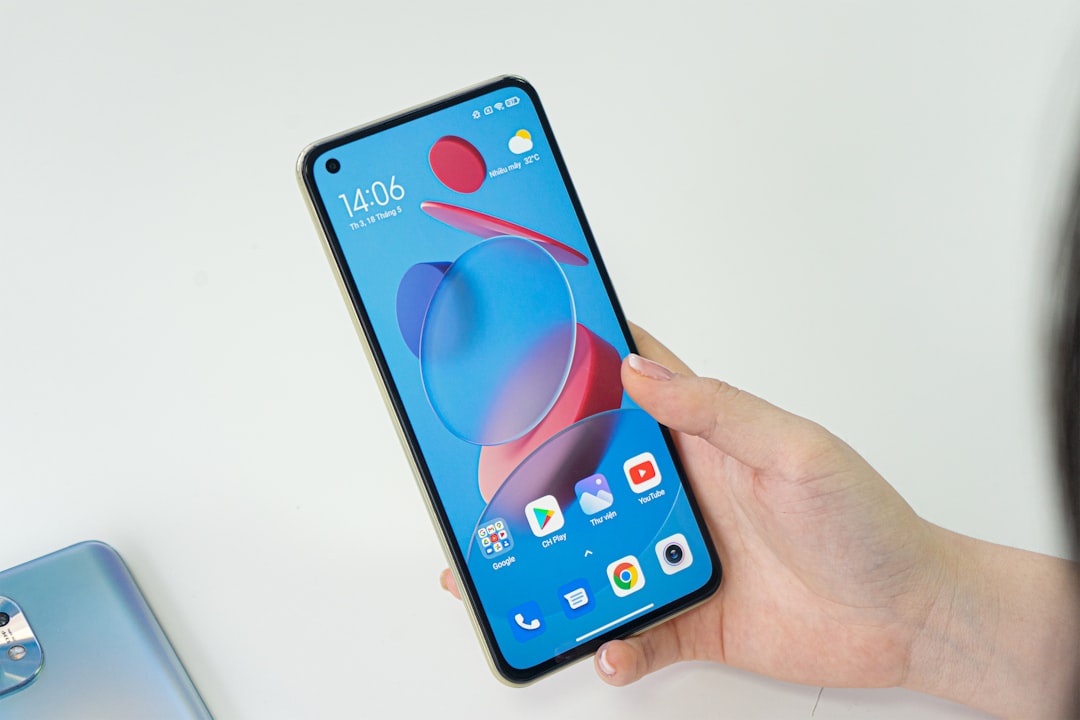
If your current phone struggles with WhatsApp, email, maps and banking apps at the same time, a mid-range device is usually enough. Two practical options we track are the Samsung Galaxy A56 and the Xiaomi Redmi Note 14 Pro.
Use WhatsApp for bookings, but record every booking elsewhere
WhatsApp is good for starting a booking. It is not good at being your only calendar. If you rely on chat alone, you will eventually double-book, forget a follow-up or lose track of who confirmed.
The safer method is to confirm the service, date and time in chat, then save it immediately in your calendar or booking app. After that, send the final confirmation back on WhatsApp.
A booking workflow that works on a phone
- The customer asks for a booking on WhatsApp.
- You reply with available times using a quick reply.
- The customer chooses a slot.
- You save the slot in your calendar or booking app straight away.
- You label the chat Booked.
- You send a confirmation with the date, time, address and payment terms.
- On the day, you send a reminder message.
Worked example
Example: A nail technician in Pretoria gets a WhatsApp message asking for a Saturday booking. She replies with three open times, the customer picks 10:00, she saves it in her calendar as Lebo - gel overlay - Sat 10:00, then sends: Your booking is confirmed for Saturday at 10:00 in Menlyn. Please arrive 5 minutes early. Payment is due after the appointment.
If more than one person answers customer messages, a shared inbox helps a lot. FlowTriage, made by the team behind AllThingsMobile, is one option that puts WhatsApp, Facebook Messenger, Instagram, Telegram, SMS, email and web chat into one shared inbox, and it can turn messages into tickets and bookings.
Take payments from your phone without relying on screenshots
You do not need to accept only cash or plain EFTs. Many small businesses take payment by sending a card payment link, sharing banking details with a clear reference, or using phone-based card acceptance if their provider supports it.
The important part is record-keeping. Do not treat a screenshot as proof on its own. Match every payment to a customer name, order number or invoice number so you can check it later.
Three practical payment options
| Option | Best for | What you do in WhatsApp |
|---|---|---|
| Card payment link | Remote payments | Send the customer a secure payment link and ask them to reply once paid |
| EFT | Regular clients and larger jobs | Send banking details with a specific payment reference |
| Phone-based card acceptance | In-person sales or deliveries | Take payment on your phone if your provider supports it, then send the receipt in chat |
Worked example
Example: A home bakery in Johannesburg takes a cupcake order on WhatsApp. The owner confirms the amount, sends a card payment link, labels the chat Waiting for payment, then changes it to Paid after checking the provider dashboard. Only then does she send the collection time.
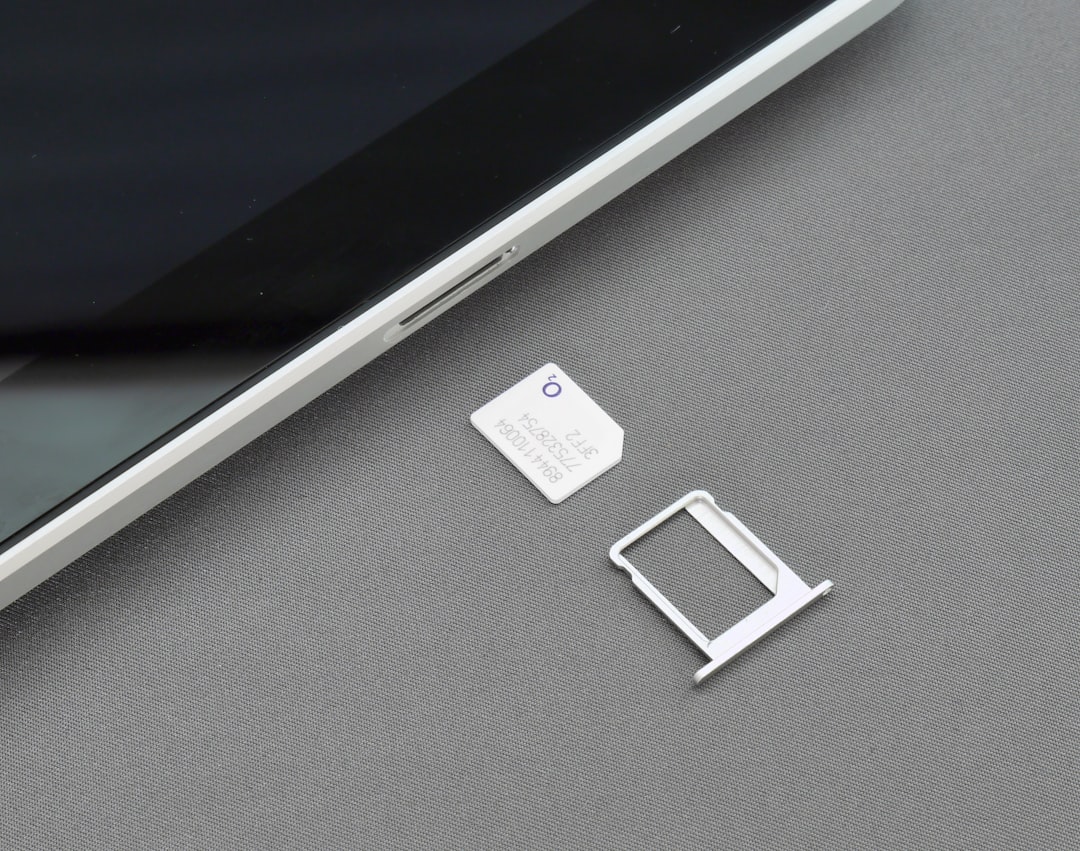
If you work on the road, test your network where you actually trade. Coverage can vary a lot between MTN, Vodacom, Telkom, Cell C and Rain depending on the suburb, route or building. If your phone supports it, a second SIM or eSIM can help, and our guide on how to set up eSIM in South Africa explains the basics.
Send proper invoices from your phone and keep your records clean
If you only send banking details in WhatsApp, your records will get messy fast. Use an invoicing or accounting app on your phone so each job has an invoice number, customer name, amount and payment status.
Your workflow should stay simple. Create the invoice in the app, export or share the PDF, then send it in WhatsApp with a short note. That gives the customer a proper document and gives you a trail if there is a dispute later.
What every invoice should include
- Your business name and contact details
- The customer name
- Invoice number
- Date
- Description of goods or services
- Total amount due
- Payment method and reference
- Due date
For a very small business, consistency matters more than fancy features. Use one invoicing app, one naming format and one payment reference rule so you can find old jobs quickly from your phone.
If you are changing phones because your current one is too slow for business use, our phone comparisons page can help you compare options side by side.
Track staff attendance outside WhatsApp if you have a team
If you have cleaners, drivers, field staff, carers or promoters, do not use a WhatsApp group as your only attendance record. Group chats are fine for communication, but they are poor records for hours worked.
Use a proper attendance app so staff can clock in and out on their phones and you can review worked hours later. This matters if you need to process wages fairly or check who was on shift when a customer complaint comes in.
Timed, made by the team behind AllThingsMobile, is a South African time and attendance app where staff clock in and out on their phones and managers process worked hours and track standby time from the web. It is a practical fit for businesses with shift, field or remote staff.
A simple staff workflow
- Post the day’s jobs in your staff WhatsApp group.
- Each staff member clocks in on the attendance app when they start.
- They use WhatsApp to report issues or send photos from site.
- You check attendance separately from customer chats.
- At the end of the week, you review worked hours before payroll.
Choose a phone that can handle business use all day
You do not need the most expensive phone to run a small business from your phone. You do need enough battery, storage and memory to keep WhatsApp, maps, banking, email and invoicing apps open without constant slowdowns.
| Phone | Tracked price | Why it suits business use |
|---|---|---|
| Samsung Galaxy A56 | From R800 | 8GB RAM, 5000mAh battery and a 6.7-inch display make it a practical budget-friendly work phone |
| Xiaomi Redmi Note 14 Pro | From R5,999 | 5500mAh battery, 8GB or 12GB RAM and a 6.67-inch display suit heavy daily messaging |
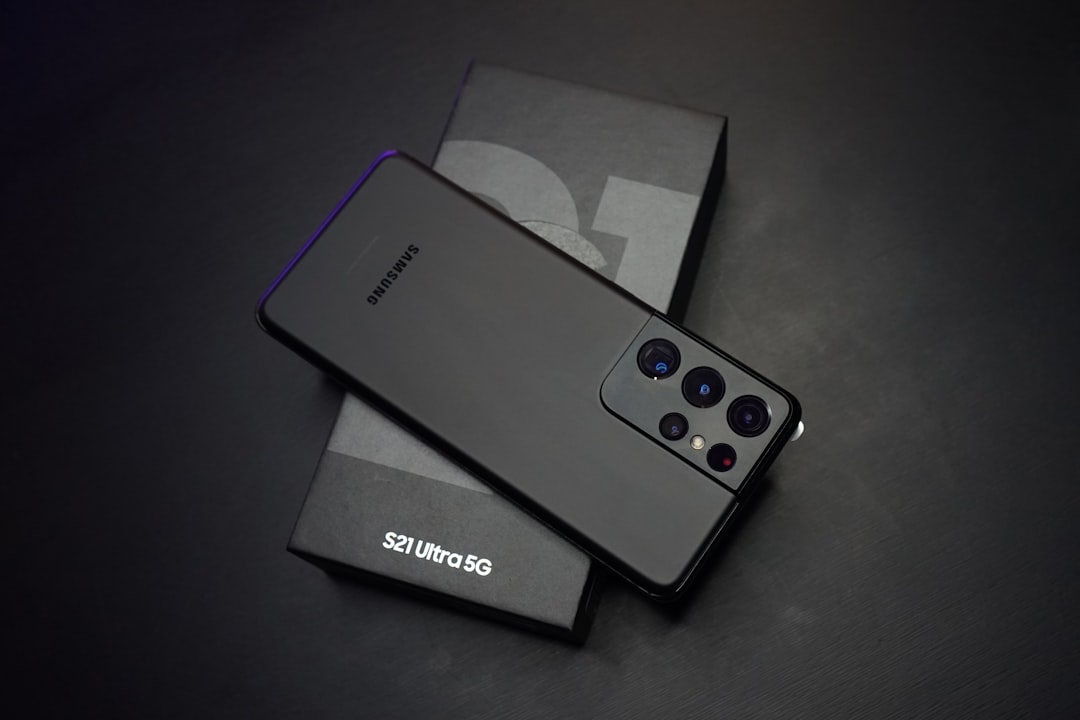
| Samsung Galaxy S25 Ultra | From R15,133 | Better fit for heavier multitasking, larger files and long workdays on one device |
| iPhone 17 Pro | From R23,499 | Good choice if your business already runs on iPhone and Apple services |
If cash flow is tight, be careful with long contracts just to get a new phone. We currently track the cheapest phone deals from MTN at R349 per month, Telkom at R339 per month and Vodacom at R999 per month. Check the full terms on our latest phone contract deals page before you sign.
Frequently asked questions
Can I use normal WhatsApp instead of WhatsApp Business?
You can, but it is a poor choice for a business that replies to customers every day. WhatsApp Business gives you labels, a catalogue, business hours, greeting messages and quick replies, which make a real difference once messages start piling up.
Can I take card payments directly on my phone in South Africa?
Often yes, depending on the payment provider you choose and the type of payment you want to accept. Some businesses use payment links for remote sales, while others use phone-based card acceptance for in-person payments.
Do I need a second SIM or eSIM for a business phone?
Not always, but it helps if you want one line for customers and another for personal use, or if you need backup data on a different network. It is especially useful if you work in areas where coverage changes a lot.
What is the biggest mistake when running a business from WhatsApp?
The biggest mistake is trying to do everything inside one chat thread. Use WhatsApp for communication, then keep bookings, invoices, payments and attendance in their own tools.
What phone is enough for running a small business on WhatsApp?
A solid mid-range phone is enough for most people. The Samsung Galaxy A56 and Xiaomi Redmi Note 14 Pro are practical starting points if you want a device that can handle chats, maps, invoices and banking apps without moving straight to flagship pricing.